

Argus Hub: Activity
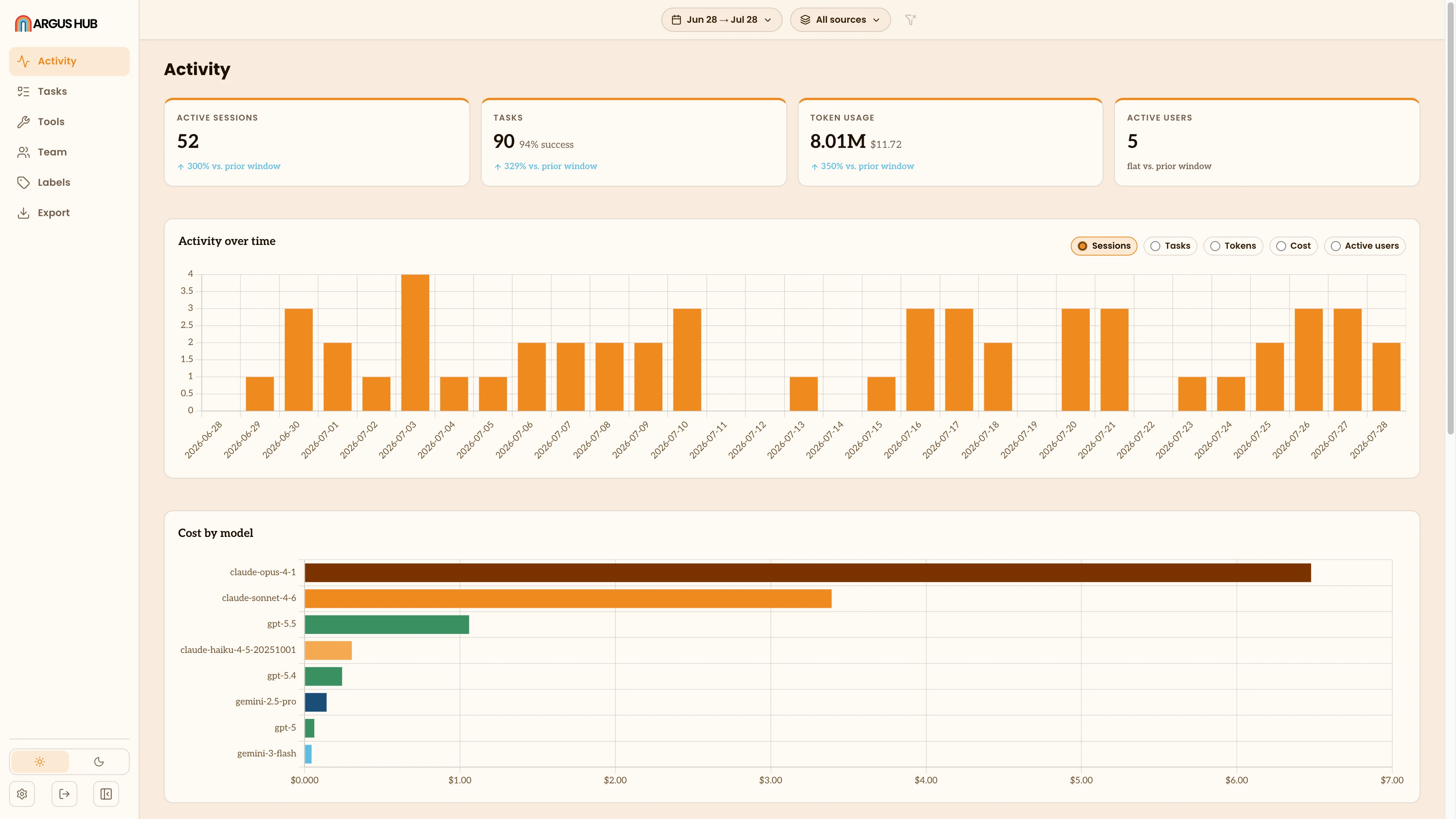
Activity is Argus Hub's home view: how much agent work the organization did in the window you're looking at, and how that work is spread across people and sources. It opens with headline totals, then breaks those totals down over time, by model, by person and by source.
Filters
A filter bar sits above the view:
- Date narrows the window, with quick presets or your own From and To dates. Argus Hub defaults to the last 30 days.
- Sources narrows to one agent.
- Group narrows to one group of people, or to Ungrouped for people with no group assigned. It only appears once at least one person has been put in a group.
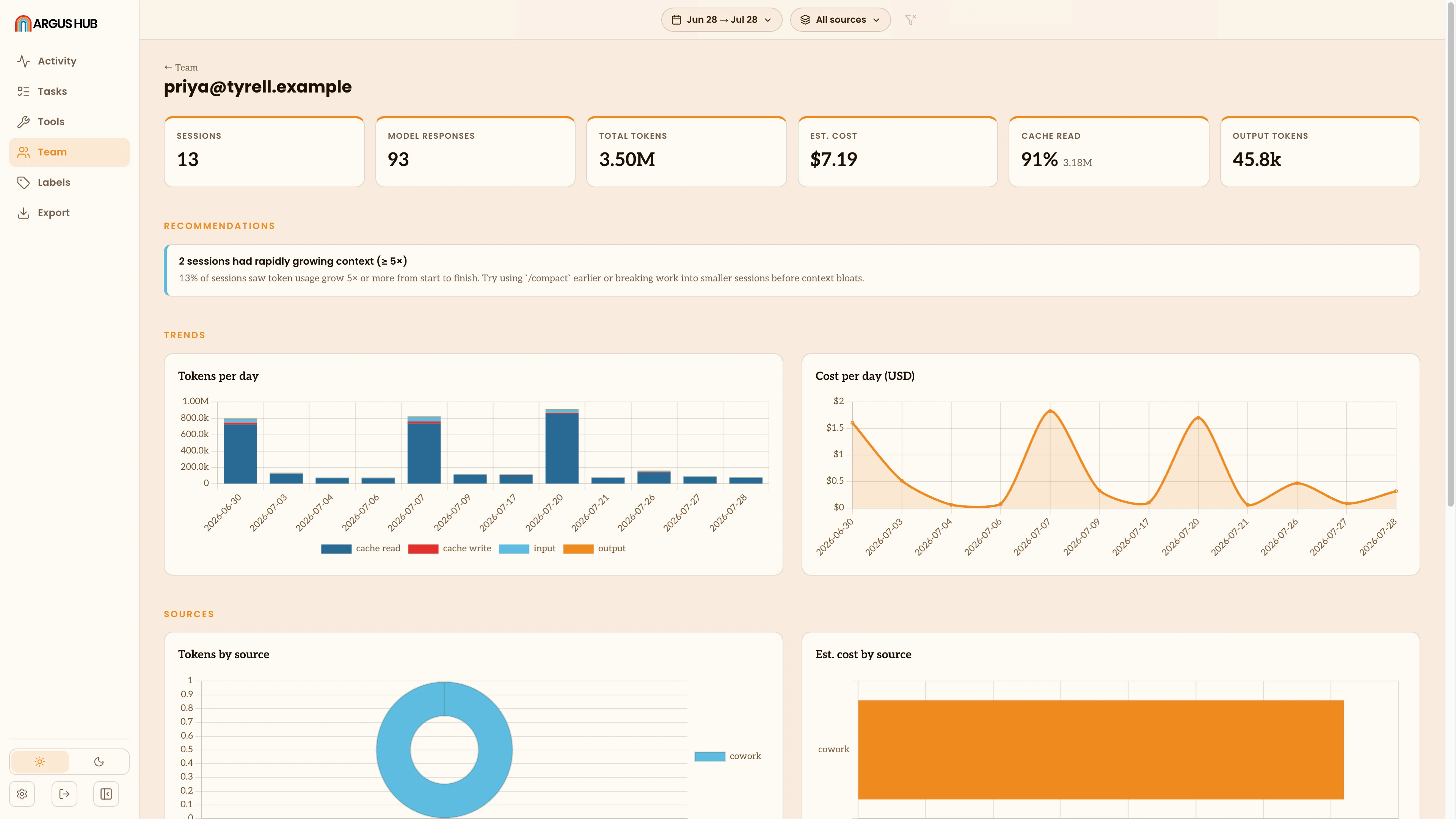
Activity has no per-person filter of its own. To see one person's usage, open their row in the Team table, which takes you to their own activity page (see Users below). A Reset button clears the filters back to the 30-day, all-sources default.
Headline totals
Four stat cards open the view: Active sessions, Tasks (with the success rate among tasks that reached a clear outcome), Token usage (with estimated cost), and Active users. Every card carries a trend line comparing the current window to the window immediately before it, of the same length, something like +12% vs. prior window, a flat reading, or nothing at all if there's no prior window to compare against yet.
Activity over time
A daily bar chart, with a toggle to switch what it plots: Sessions, Tasks, Tokens, Cost or Active users. Every day in the window gets a bar, including days with no activity, so a quiet stretch reads as a gap rather than disappearing from the axis.
Cost by model
A horizontal bar chart of the window's spend, broken down by model. Each bar's tooltip shows the dollar amount, its share of total spend and the tokens behind it. Models Argus can't price are excluded here and called out in a note below the headline totals instead.
Users
Per-user rankings stay hidden until the organization has at least three people syncing, so a small team never gets singled out by name. Once there's enough of a cohort, this section shows a Most active and Least active top-5, each row tagged by how recently that person has synced:
- Active: syncing and scoring normally.
- Idle: still syncing, but scoring low this window.
- Silent: hasn't synced in 3 or more days.
Rank is an activity score from 0 to 100, blending active days, sessions and tokens, each measured against the busiest person in the window and weighted equally. Every raw number behind the score sits in the full table underneath, sorted by any column, so the ranking is never a black box. Click a name, in the mini-lists or the table, to open that person's own activity page: the same view a single Argus client shows for their own usage (see Sessions, Metric Views), scoped to them.
Sources
A table ranking each agent by sessions, distinct users, tokens, cost and task success rate, sorted by sessions descending. A note calls out the least-adopted source in the window, a candidate for more onboarding or for retiring if it isn't earning its keep.