

Argus Hub: Tasks
Argus Hub's Tasks view takes the same per-session task extraction described in Tasks, a task's description, its outcome and how much friction it took, and rolls it up across everyone syncing to the Argus Hub. Where the single-client Tasks view shows one session at a time, this view is for spotting patterns: which projects or people are hitting trouble, and what's causing it.
Filters
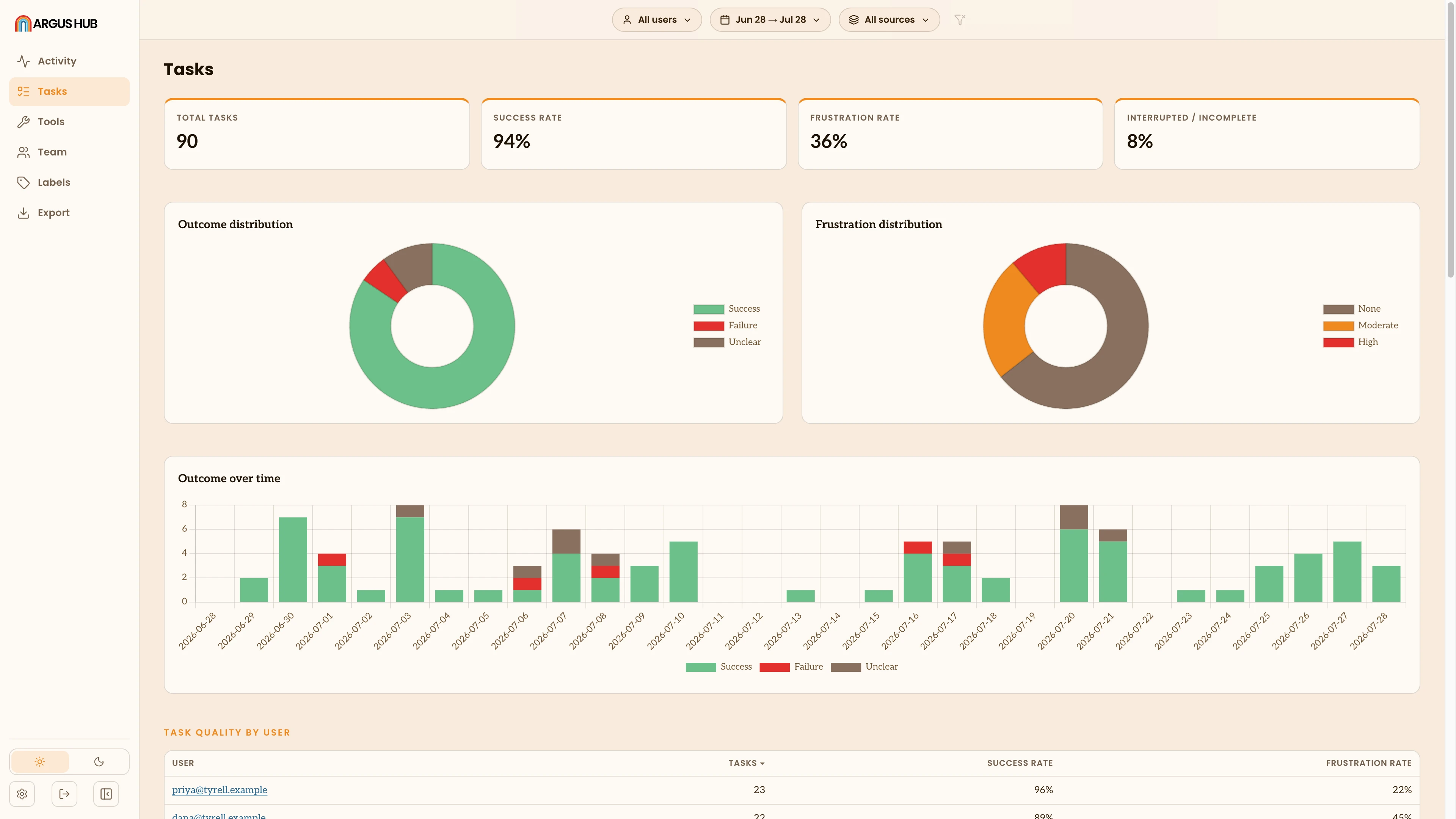
The same filter bar as Activity: date range, source, group. This view adds two filters of its own: a free-text search over task descriptions and projects, and an outcome filter (success, failure, unknown) you can combine with it.
Headline totals
Four stat cards: Total tasks, Success rate, Frustration rate and Interrupted rate. Each rate is a share of the tasks with a clear reading. A task Argus couldn't classify doesn't count against you, and a card reads as unavailable (—) rather than 0% when nothing in the window has a clear reading yet.
Outcome and frustration
Two breakdowns, each as a donut: Outcome (success, failure, unclear) and Frustration (none, moderate, high). Both come from the same free-text judgment a session's interpretation writes for each task. Argus Hub just classifies and counts it across everyone, using the same rules a single client uses, careful about phrases like "not completed" so a negated success doesn't get miscounted.
Trend over time
A stacked daily bar chart of task outcomes, success, failure and unclear, one bar per day across the whole window, including days with no tasks.
By user, by source, by project
Three ranked tables, each with task count, success rate and frustration rate, sorted by volume: by user, by source and by project. Like the per-user rankings on Activity, the by-user table stays hidden until the organization has at least three people, so a small team's tasks aren't attributed by name.
Signals and friction
Top signals ranks the short failure-signal tags Argus attaches to tasks that failed or came out frustrating, the top ten, most common first. Friction rolls up interruptions, declined tool actions and context compactions the same way Health does for one client. It's measured for Claude sessions only, so a count of zero and "no data" show as different things, and an observed-sessions count makes clear how much of the window that friction reading actually covers.
Credential warnings
When someone's session text looked like it held a credential, their Argus sends a flag along with the affected tasks, and this view surfaces it. A warning under the page heading counts the tasks it covers in the current window, and Show only these narrows the view to them. Each one carries a Credential warning pill in the list.
The details stay on that person's machine. Argus Hub knows only that a task was affected, not what kind of credential it was or where in the session it appeared, so acting on one means asking that person to rotate it. Dismissing the warning in their own Argus hides their banner and leaves this flag in place, since one person having read a warning isn't the organization having dealt with it. See Credential warnings for what they see, and Privacy and Security for what crosses the wire.
Argus Hub labels
Argus Hub labels are separate from the labels you set on a session in the Argus app itself (see Sessions). Those stay local to your machine and aren't part of what sync uploads. An Argus Hub label instead lives on the Argus Hub itself, created by whoever runs it, and applied directly to the tasks Argus Hub has collected. Use them to flag or group tasks across the whole organization: tasks worth reviewing, tasks tied to a project or initiative, tasks a specific team should look at.
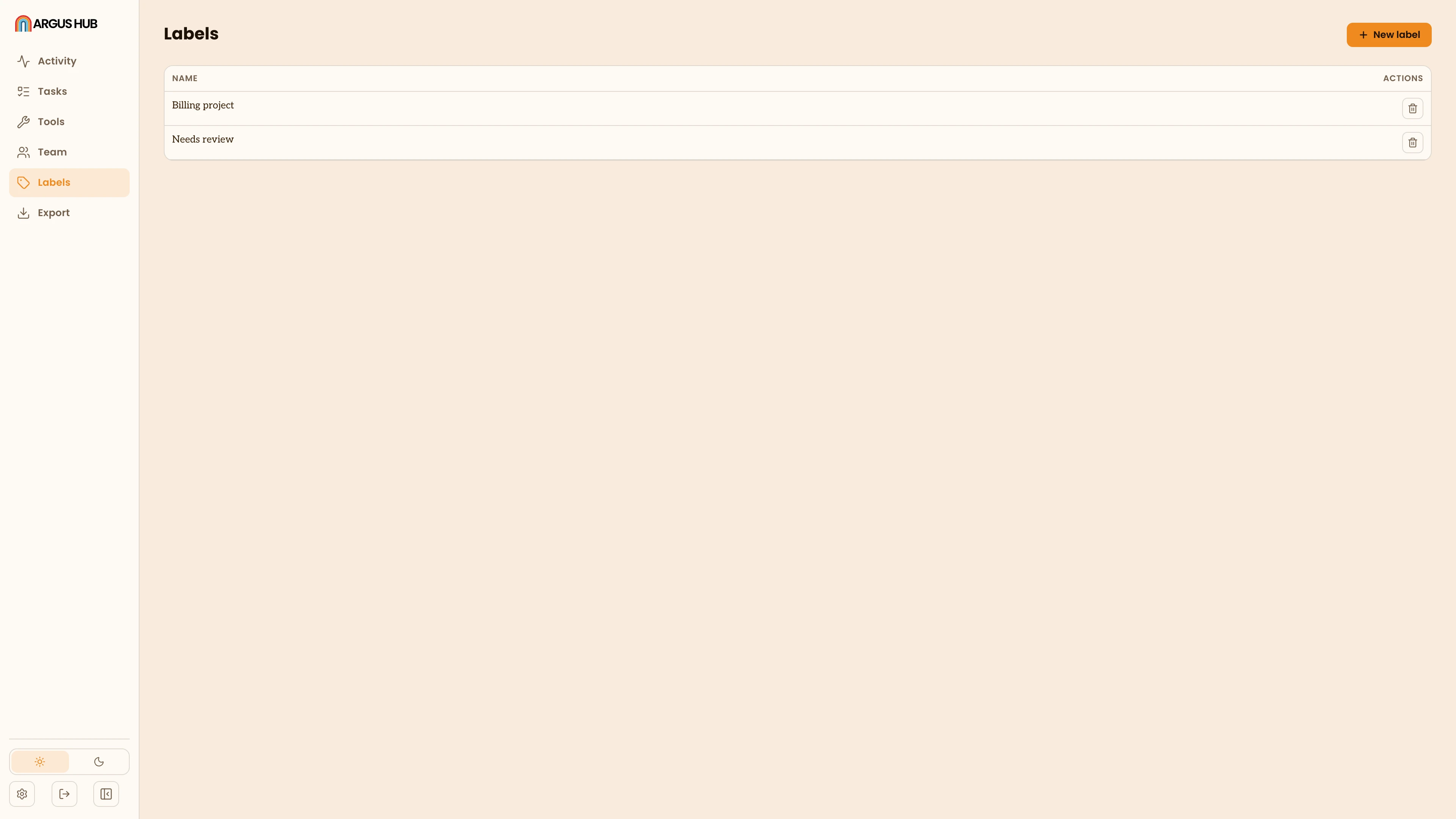
- Create a label. Open Labels to see every label defined on this Argus Hub. Add one with a name and an optional description of what it means (shown when you create it, not in the list). Querying labels over MCP also returns how many tasks currently carry each one.
- Apply a label. On a task in this view, open its label picker to find an existing label or create one on the spot, and toggle it onto that task. Applied labels show as pills on the task, both in the list and once expanded.
- Remove a label. Toggle it off the same way, or use Clear on a task to remove every label from it at once.
- Delete a label. Deleting a label from the Labels page removes it from every task that carried it.
Argus Hub labels never travel back to a client. They exist only in the Argus Hub's own database, for whoever has access to the Argus Hub dashboard.