

Argus Hub: Export
Export gives you the Argus Hub's full dataset as a Snowflake-ready bundle, either from the dashboard or the command line. Both paths produce the same contents; the CLI adds the option to load it straight into Snowflake.
From the browser
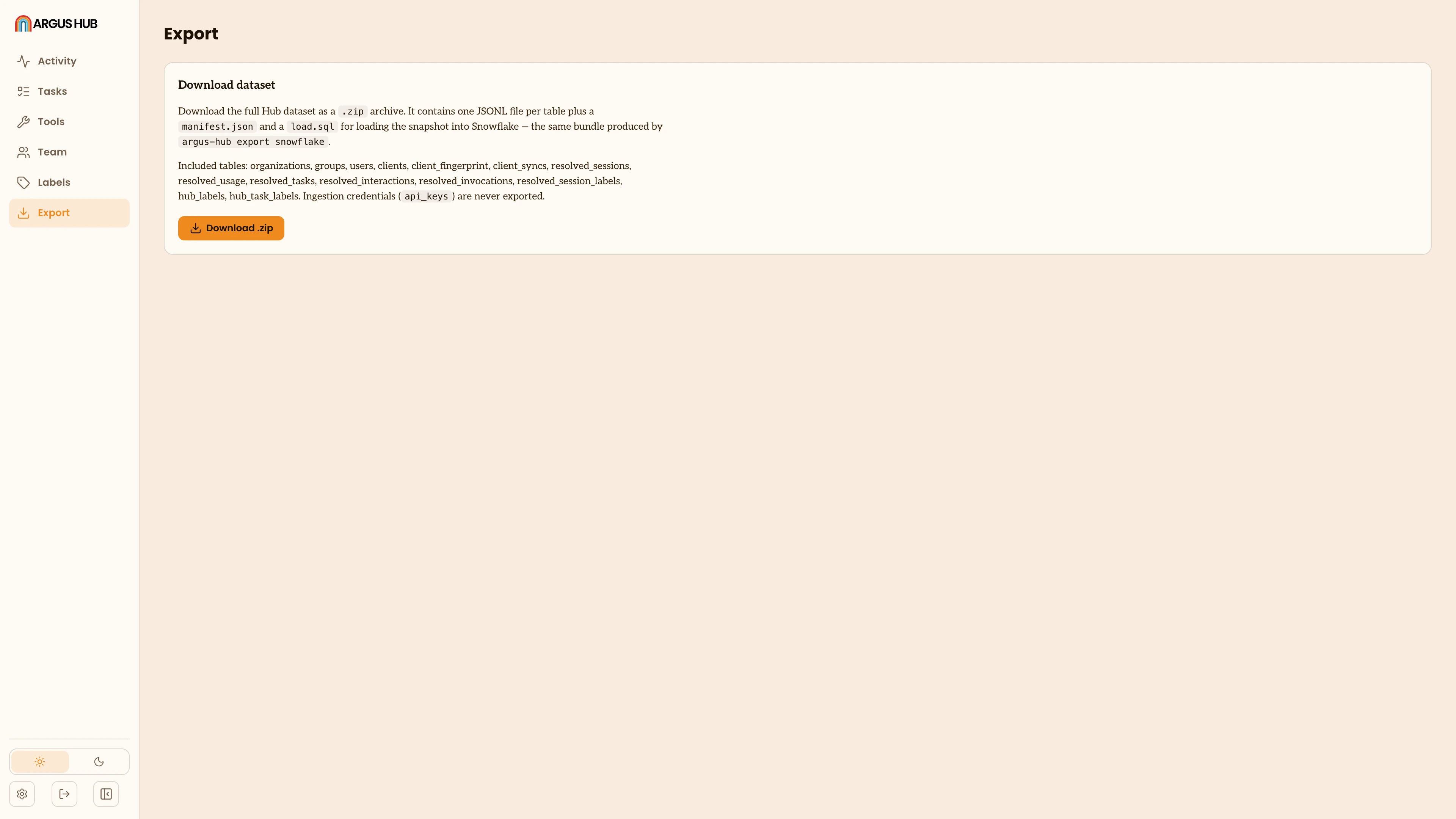
Open Export and click the download button. Your browser streams a zip straight to disk, so Argus Hub never has to hold the whole archive in memory to serve it.
The zip contains one JSONL file per table (organizations, groups, users, clients, sessions, usage, tasks, interactions, invocations, session labels and Argus Hub labels), a manifest.json with the schema version and a row count per table, and a load.sql with the Snowflake DDL and load statements for every table. API keys are never included, in the zip or anywhere else.
From the command line
npx @agentdeploymentco/argus-hub export snowflakeWithout --load, this writes the same bundle to a timestamped folder and prints where load.sql landed. Point --data-dir at the Argus Hub's data folder if you're not running the command from the Argus Hub's working directory.
Add --load to upload the bundle and swap it into Snowflake directly, passing the connection details:
npx @agentdeploymentco/argus-hub export snowflake --load \
  --account your-account \
  --username your-user \
  --database ARGUS_HUB \
  --schema ARGUS_HUB \
  --warehouse your-warehouse \
  --authenticator SNOWFLAKE_JWT \
  --private-key-path /path/to/key.p8
Read credentials (password, token, key passphrase) from the environment, never pass them as a flag. Key-pair authentication is the recommended choice for a scheduled or unattended load, and browser SSO only works interactively.
Each load replaces a table's contents in full: stage the new rows, delete the old ones, insert the new ones, all inside one transaction. It's a snapshot replace, not an incremental or change-data-capture load, so running it again fully supersedes the last load rather than appending to it.
See Export Argus Hub data to Snowflake in the Argus Hub repository for the full flag reference, authentication options and known limitations, including that exported files can contain personal data (emails, prompts, summaries) and should be handled with the same care as the Argus Hub's own database.