Argus Hub: Team
Team is the roster: every person whose Argus has ever synced to this Argus Hub, what they've used, and when they last synced. It's also where you organize people into groups so Activity, Tasks and Tools can be scoped to a team rather than the whole organization.
The table
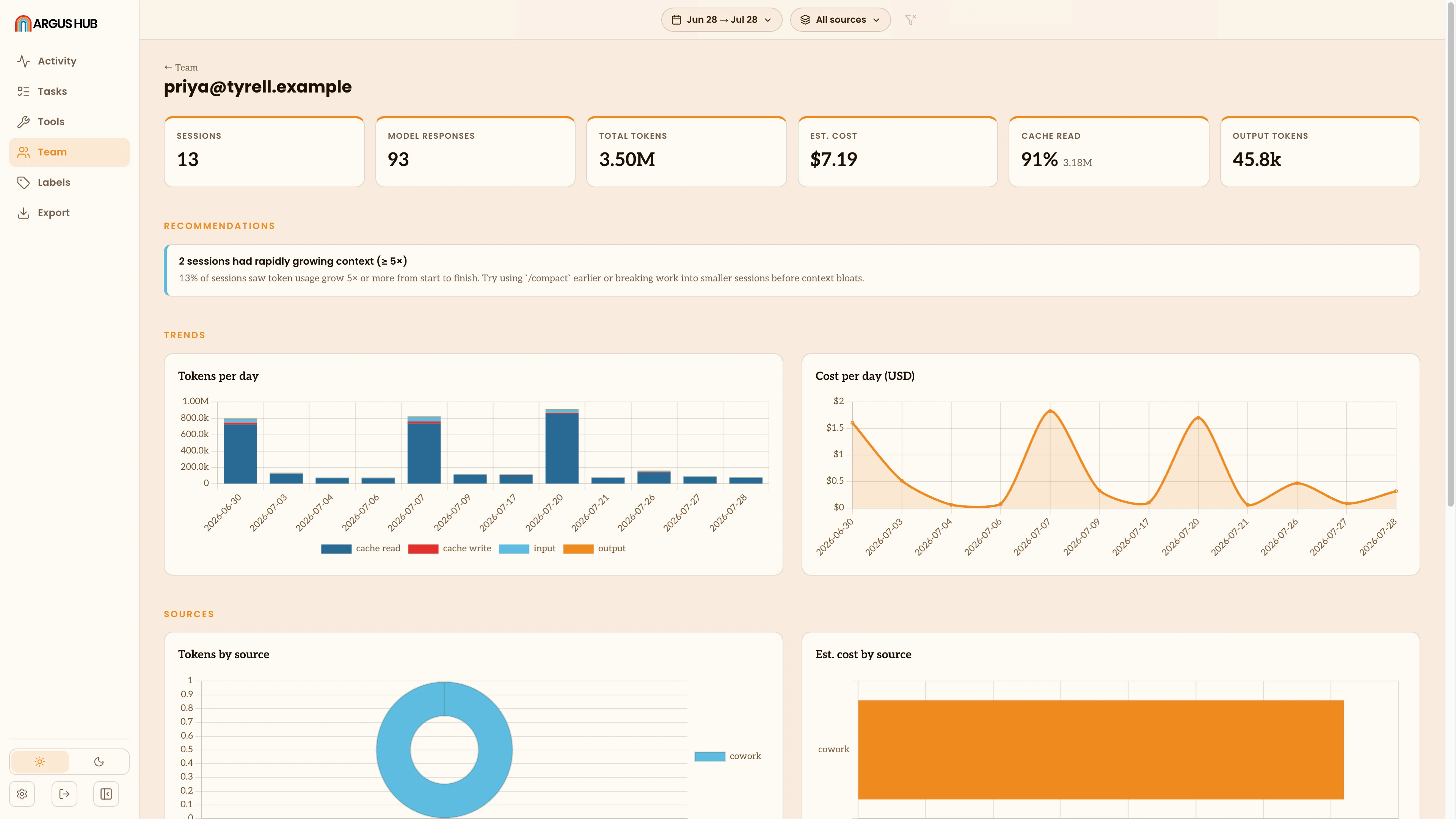
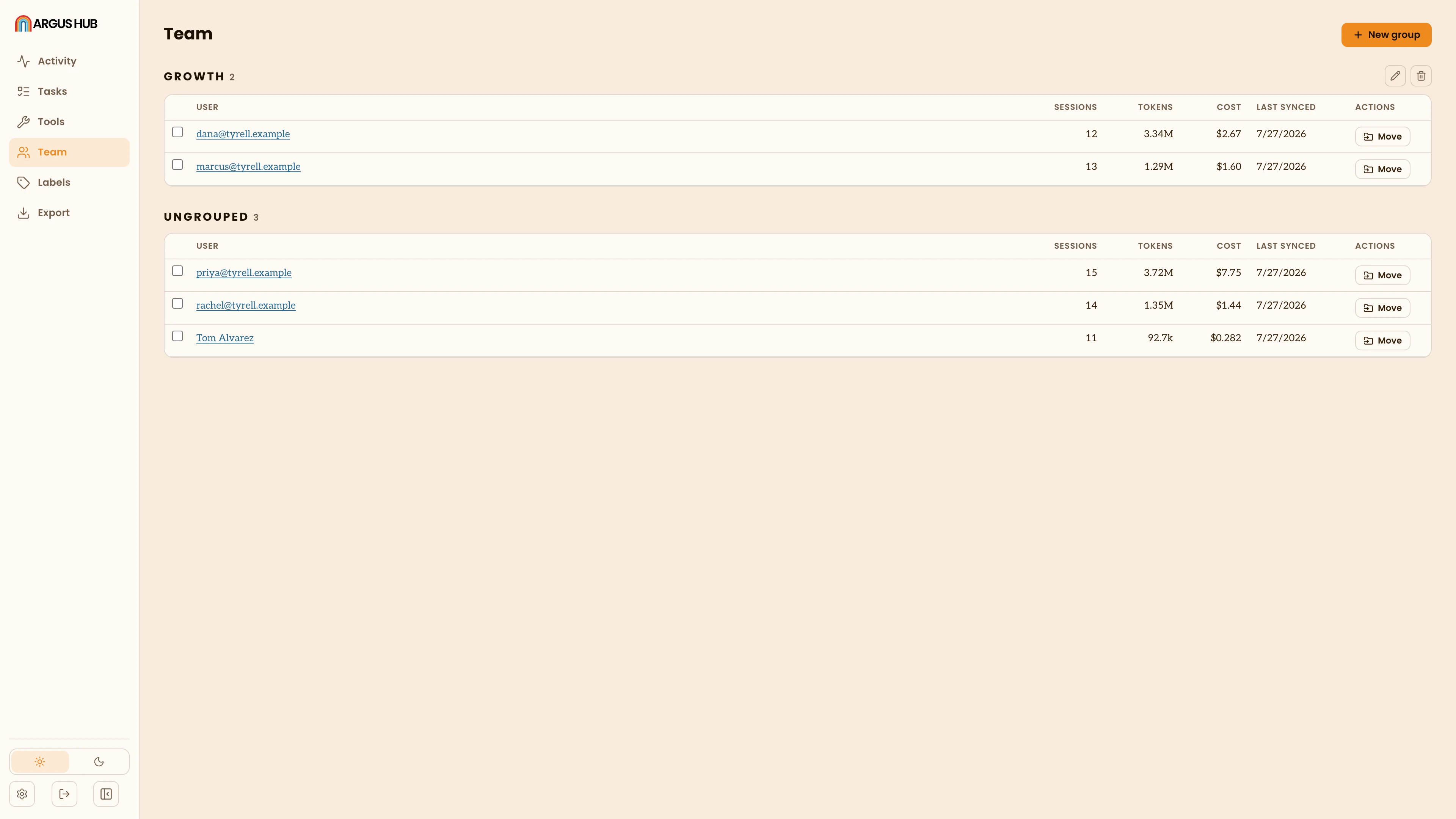
The table lists people in sections, one per group plus a trailing Ungrouped section, each sorted alphabetically by name. There's no column sort here, since the point of this view is the roster, not ranking. Each row shows sessions, tokens, estimated cost and when that person last synced. Click a name to open their own activity page: the same Activity/Projects/Tools/ Health view the single-client Argus app shows (see Overview, Metric Views), scoped to their usage alone.
Groups
Groups are how you scope Argus Hub's other views (Activity, Tasks, Tools) to a team rather than the whole organization: a department, a pod, whatever division makes sense for you. Group names must be unique on an Argus Hub.
- Create a group from the button above the table, giving it a name.
- Rename or delete a group from its section header. Deleting a group doesn't remove its members, it only ungroups them, moving them back to the Ungrouped section. Nobody's sync history or usage is affected.
- Move one person with the row action next to them: a popover lists every group, lets you search or create a new one on the spot, and applies it immediately. Clear removes them from any group.
- Move several at once by selecting their checkboxes (across sections) and using the bulk action bar that appears, choosing a target group or Ungrouped.
Once at least one person has a group, the Group filter appears on Activity, Tasks and Tools, plus an Ungrouped option for anyone not yet assigned.