

Connect Your Agent
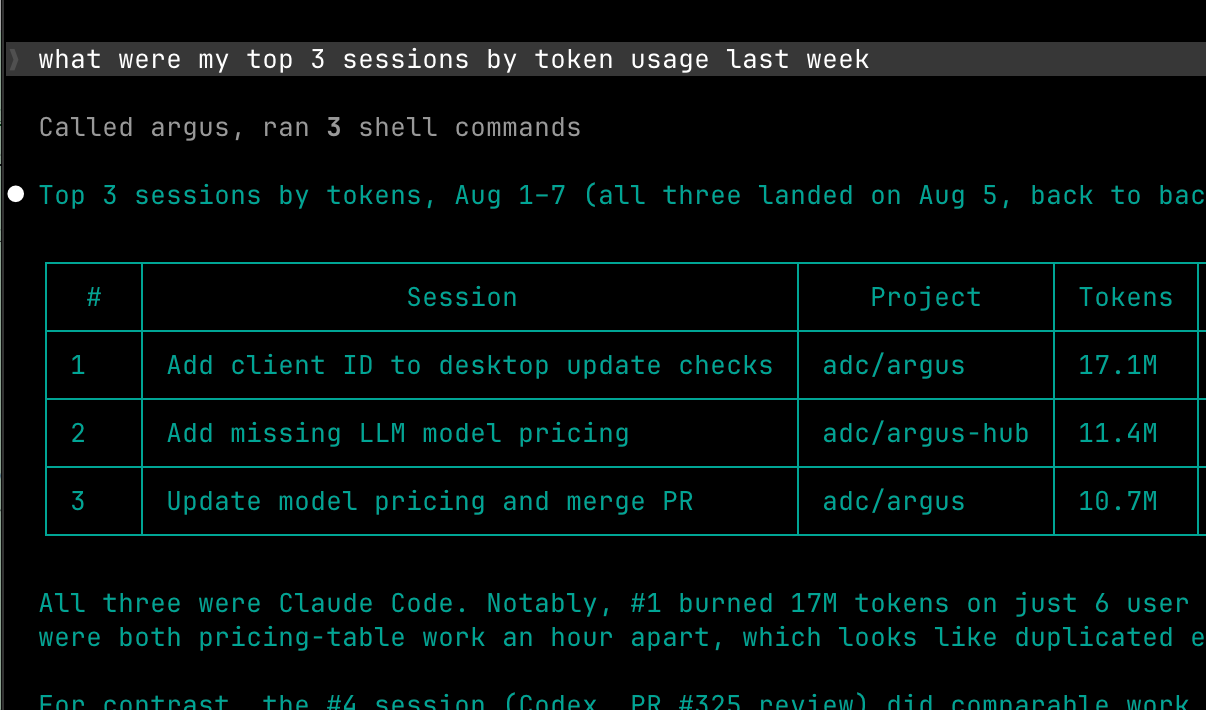
Argus keeps a local index of your agent sessions, but until now only you could see it. The agent access endpoint lets AI agents on your computer query that data themselves, so you can ask things like "what did I work on last week?" or "which projects cost the most this month?" and the agent answers from your own work history.
Agents connect over MCP, the standard protocol for giving agents tools. Argus serves a local MCP endpoint at http://127.0.0.1:4242/mcp whenever the app is running, with six read-only tools. It can't change anything, and it never sends your data anywhere itself. It only answers the agent that called it, on your machine.
Connect
The endpoint runs whenever Argus does, so start with the app (or npx @agentdeploymentco/argus run if you use the command line). Then point your agent at the URL. In Claude Code:
claude mcp add --transport http argus http://127.0.0.1:4242/mcpMCP Server has the equivalent for Claude Cowork, Codex, Cursor, Gemini CLI, VS Code and anything else that speaks MCP.
Once connected, ask in plain language. "What did I work on last week?" has the agent search your sessions. "How much did I spend in March?" reads your usage totals. "Where am I getting interrupted most?" reads your session health.
What agents can ask
| Tool | What it answers |
|---|---|
search_sessions | Find sessions by text, file, date range, agent or project. |
get_session | One session's detail: title, summary, tasks and outcomes, tokens and cost. |
get_session_transcript | The conversation itself, prompt by prompt. Off by default; see below. |
usage_summary | Token and cost totals by day, model, agent or project. |
tool_usage | Which tools, tool categories, MCP servers and skills your agents used. |
health_summary | Friction signals (interruptions, rejections, compactions) and Argus's recommendations. |
MCP Server covers what each tool takes and returns, with examples.
Transcript access
Session transcripts are the one sensitive piece. Session titles, totals and task outcomes are safe summaries, but a transcript holds the full text of what you and the agent said, and reading one sends that text into the agent's model provider's context. So the transcript tool ships off:
- Let agents query Argus (on by default) serves the endpoint and every tool except transcripts.
- Let agents read session transcripts (off by default) adds the transcript tool. Turn it on only if you're comfortable with an agent reading your conversations.
Both live under Settings → Agent access and apply the moment you flip them, no restart. Turning Let agents query Argus off closes the endpoint entirely. Transcripts also need Argus to be keeping session text in the first place, which is the default; see retainText.
Without MCP
If your agent or script doesn't speak MCP, the same data is available over plain HTTP and the command line. See MCP Server for both.